

Consider the importance of books to you both personally and within a broader global sense.
First of all, think back to the earliest books you came across as a child, through your teenage years and early adulthood to where you are now. There may be half a dozen books which stick in your memory or are important to you in some way. There may be many more than that. It may be an early reading book, a particular image or short rhyme which helped you recognise letterforms. It may be the distressed metallic silver cover of a Salinger novel you read as a teenager, or the book you bought on impulse after work one day, seduced by the tactile quality of the cover.
Identify these books in your learning log, use photographs and annotation to create an illustrated list documenting the books that are important to you, for whatever reason.
Now, connect your influential books to those with a more global reach. Identify seminal works that have informed or challenged some of the areas you have identified. These may be scientific, artistic, historical, political, geographic, fictional, poetic or religious texts. For example, a book from your childhood could connect to other seminal children’s books by association, such as Heinrich Hoffmann’s Der Struwwelpeter / Shockheaded Peter (1845) or Charles Perrault or the Brothers Grimm. Likewise a book featuring dinosaurs might connect to Charles Darwin’s Origin of the Species.
When we appreciate the breadth and influence of books, we begin to appreciate the extent of a book’s potential impact. Books carry and communicate ideas; powerful messages can be contained within seemingly innocuous bound paper pages. In your learning log, create another list of books, with accompanying images and annotations, which you believe to be more globally important, but connect to your first list in some way.
This activity will feed into your first assignment, so document your ideas in your sketchbooks and learning log to refer back to later.
Books
So I’m not a big reader of books! The majority of books that I own are either recipe books or reference books. However, this exercise has made me think about which books stick out in my memory from the present right back to my childhood and I wanted to use a of a variety of book types.
Book #1 The Blue Banana

This book sticks in my mind as one of my earliest memories and I even tried to find this for my kids when they were born but unfortunately couldn’t find a copy. I think that this really stuck with me because of the title and the thought of a blue banana obviously left a lasting impression. There were other books in the range which I remember having, but this was the one that I most vividly remember.
Book #2 The New Caxton Encyclopedia

My parents had the full set of these including an additional GIANT atlas. I remember flicking through these as a child and my dad sending me to find stuff out and come back and tell him what I’d learned. Another, more specific memory is jumping down the stairs in my childhood home and clattering into the bookcase containing these at the bottom.
Book #3 The Adventures of Robin Hood

This book holds mixed feelings for me. It was the first book I had to write a report on at school. It was a new school in Devon that I didn’t like! The story reminded me of my Nottinghamshire roots and I was familiar with the story and hoped that it would help me write the report. It didn’t!
Book #4 Farmhouse Kitchen

This was my mum’s goto cookbook. I particularly remember the recipe for chocolate buttons, a type of soft chocolate biscuit. Maybe this was the book that started my interest in cooking and led to me being in kitchens for a large part of my life? It was probably also responsible for my sweet tooth and love of anything baked!
Book #5 Jonny My Autobiography

This was a no brainer when it came to choosing my influential books. Jonny Wilkinson is a hero of mine and I read this while on holiday in the Caribbean. I was touched by the honesty of a man I held in such high regard and his vulnerabilities which I could relate to.
Book #6 Stop Stealing Sheep and find out how type works

This book is one of my recent discoveries and is by far the best and easiest to understand book on the use of type. It is written by the legendary German typographer Erik Spiekermann and explains type in layman’s terms and gives examples in context on every page of the book.
Wider Reach
The Blue Banana was written by Bronnie Cunningham for the Hamlyn Publishing Group. She also wrote for Puffin Books, where she compiled The Puffin Joke Book which was illustrated by Quentin Blake, who more famously illustrated most of Roald Dahl’s children’s books. Roald Dahl is one of the world’s biggest selling fiction authors with estimated book sales worldwide of between 200 and 250 million copies. It is said that Dahl’s George’s Marvellous Medicine was loosely based on Lewis Carroll’s Alice’s Adventures in Wonderland. Dahl also wrote the screenplays for the Bond film You Only Live Twice and Chitty Chitty Bang Bang, both written by Ian Fleming.
The New Caxton Encyclopedia was first produced in serial form in 1966. The name refers to William Caxton, who in 1476 brought the process of printing with movable type to England. However, the encyclopedia dates back much further to 338 BC where evidence has been found of Speusippus, Plato’s nephew, recording his uncle’s teachings. In England a version of an encyclopedia was collated by Francis Bacon in around 1620 and was “to commence a total reconstruction of sciences, arts, and all human knowledge, raised upon the proper foundations”. Francis Bacon himself is also known for allegedly penning some or all of the plays attributed to the world’s biggest selling fiction author William Shakespeare.
The Adventures of Robin Hood is about the English folklore hero Robin of Locksley, a contemporary of King Richard I who is famed for leading the 3rd Crusade to retake Jerusalem from Saladin in the 12th century. This links to the bible as this is the reason behind the crusades to spread the word of God. Shakespeare mentions Robin Hood in his plays The Two Gentlemen of Verona, As You Like It and Henry IV parts 1 and 2. Errol Flynn is probably the most well known portrayal of Robin in 1938. Prior to this he played the lead in The Charge of the Light Brigade in 1936 which was based on the poem by Alfred, Lord Tennyson in 1854. This poem was followed by the poem Last of the Light Brigade written by Rudyard Kipling 40 years later who is most famous for his book The Jungle Book.
Farmhouse Kitchen was a cookery series that was produced by Yorkshire Television and aired on the ITV network from 1971 until 1990. The earliest record of written recipes date back to Mesopotamian tablets from 1700 BC. One of the most famous ‘modern’ cookbooks made readily available to the public was Mrs Beeton’s Book of Household Management in 1857-1861 which is mentioned in A Duet, with an Occasional Chorus by Arthur Conan Doyle who is more famous for his Sherlock Holmes novels. Post-Sherlock his most well known work is probably The Lost World which was used for the title of Michael Crichton’s 1995 novel on which Jurassic Park was based, the cover of which was designed by Chip Kidd.
Jonny My Autobiography is written towards the end of Jonny Wilkinson’s career after the 2003 World Cup when he scored the winning points to win the Webb Ellis Trophy. William Webb Ellis is credited with ‘inventing’ the game of rugby by picking up the leather and pig’s bladder ball during a football match and running with it. This type of ball is mentioned in Tom Brown’s Schooldays by Thomas Hughes who also studied at Rugby School. Tom Brown’s Schooldays is credited with being a direct inspiration for J.K. Rowling’s Harry Potter series of novels.
Stop Stealing Sheep and find out how type works’ title is credited to the typographer Frederic Goudy who said “Anyone who would letterspace lowercase would steal sheep.” The phrase to ‘steal sheep’ appears in Mark Twain’s The Adventures of Tom Sawyer in which it refers to taking a risk. Twain also penned A Connecticut Yankee in King Arthur’s Court which is credited with being the foundational work in the time travel genre. However, this had been preceded by other time travel novels including The Time Machine by H.G. Wells who along with Jules Verne were called the fathers of science fiction. Prior to his literary career H.G. Wells was a biologist who followed the ethics of Charles Darwin who wrote the Origin of Species one of the fundamental science texts ever written.
Conclusion
This was a challenging exercise. As I am not a big reader it was tough to find books that meant something to me. However, once I got started I found it really interesting how 6 books from different genres could be linked with some of the most influential works from history…I went from a TV cookbook to Jurassic Park!!!! This has opened my eyes a lot more to how books are related to each other you can draw inspiration from a book’s origins and influences.
Sources
Pinterest.com
wikipedia.org
http://www.britannica.com/topic/encyclopaedia/History-of-encyclopaedias#ref307698
http://www.englishforums.com/English/StealSheep/bvlrvg/post.htm


 From the imagery collected and the mind-map I then went on to sketch out some rough layout option in Procreate.
 I imported the picture into Photoshop onto an A3 canvas and converted it to greyscale and then played with the levels, contrast and brightness until I achieved what I thought would make a good image that would hold up to being photocopied.
 I then added an adjustment layer to simulate coloured paper. I decided on yellow paper as this would produce a great contrast with the black.
 This produced the duotone effect I was looking for. Now to add the type.
 The title question was the most important, so this was positioned at the top of the hierarchy followed by the date/time and the contact information. The description of the course came next, then the address and finally the disclaimer about not having to have any experience. I felt that this was the correct hierarchy because this would be what mattered to me if I were interested in the course.
 I was very happy with the way that this had turned out. I asked my college peers what they thought.
 I then went on to create the flyer. I thought this would be easy, but splitting the type over both sides of the flyer proved trickier than expected. I had to decide what information needed to be on the front of the flyer as this would be read first, and what to relegate to the rear.
 I think that these both work well together and are cohesive enough to make it obvious that they are about the same event. The design lends itself to being printed on different coloured papers for more variety.


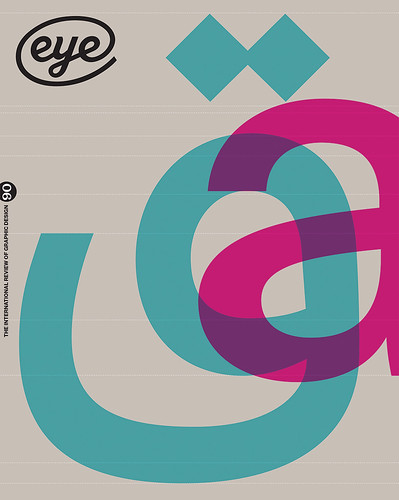
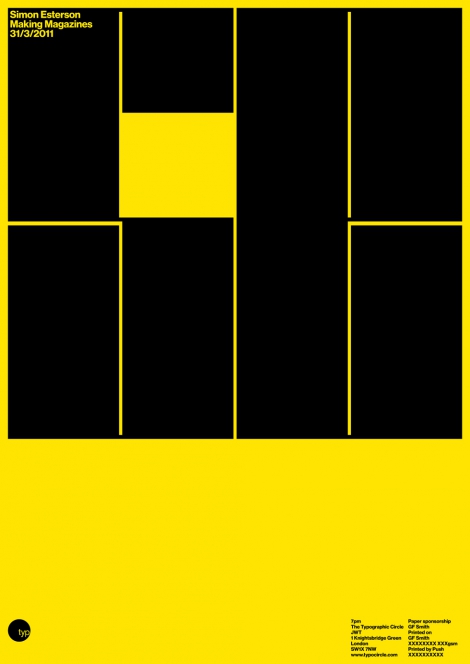


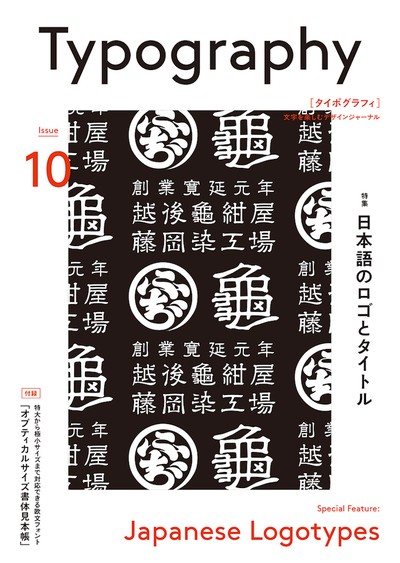
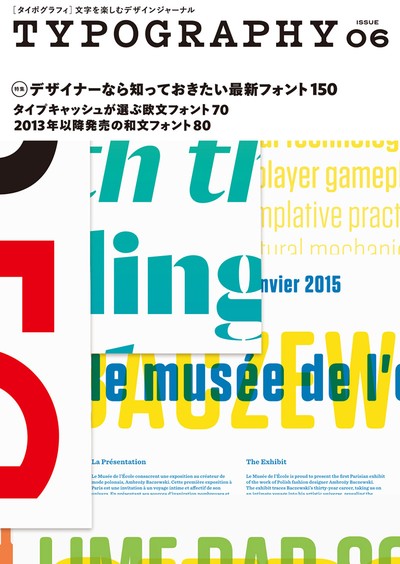


 I highlighted some of the ideas that I felt would produce the best results and started to play with ideas on the iPad with Procreate.
 I really liked where this was going and continued to play with the word TYPE and change the kerning and reduce it significantly with some of the letters overlapping. This made the font look a lot more interesting and gave more options for some interesting overlaps.
 Following this I decided to go on and design all the letters from a to z. I used what I had learned in the exercise “A typographic jigsaw” to find the common elements in the font and use them to construct the 26 letters needed such as the descender on the g and y.
 I was really happy with the result and thought that I’d successfully got my final design. But after mulling it over for a few days I began to view it a naive and quite childlike and started to dislike what I’d done. I didn’t want to just discard what I had produced but how could I use it? I began to reflect on the other work done in previous parts of this course and decided to apply Occam’s Razor to the font and try and cut it down to its bare minimum and still be legible. This involved chopping a lot of the letters in half and others needed re–doing altogether using the remaining elements of the font to reconstruct them e.g. the k, x and y.


 craig519809.home.blog